
Introduction
Furniture design increasingly depends on hardware that must fit, move, and perform precisely within tight spatial and manufacturing constraints. 3D visualization and configurable hardware tools make that process faster and more reliable by letting designers test dimensions, clearances, finishes, and motion before physical prototyping begins. Instead of relying on static drawings or sample-based guesswork, teams can evaluate exact components inside digital models and catch problems early. This article explains how these tools improve hardware specification, reduce design risk, and support better coordination between design, engineering, and production, offering a practical view of why digital hardware workflows now matter across modern furniture development.
How 3D Visualization Improves Furniture Hardware Specification
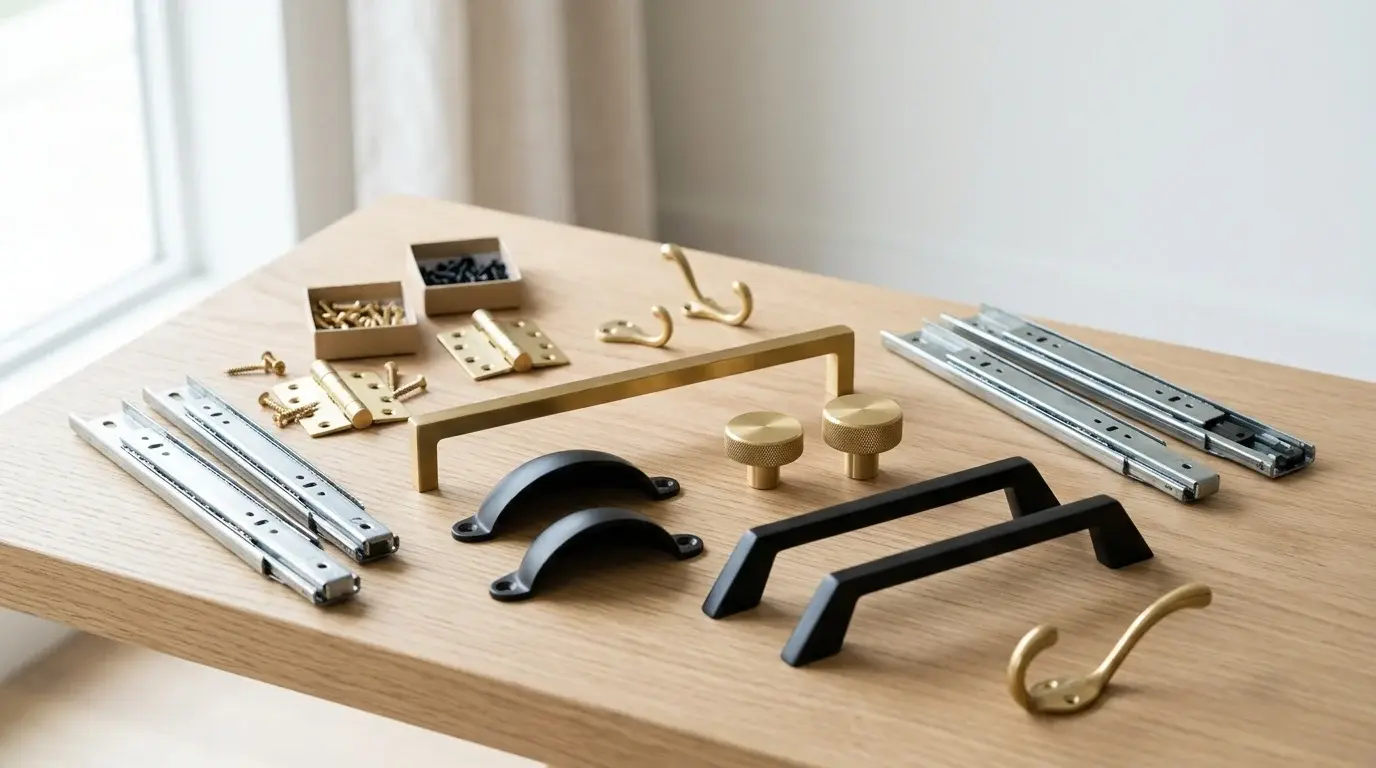
As a designer who has spent years wrestling with 2D spec sheets, I can confidently say that the shift toward digital twins is the biggest upgrade our industry has seen in a decade. We used to wait weeks for physical samples just to check if a hinge cleared a cabinet door. Today, relying on a Digital Hardware Catalog allows us to drop exact, dimensionally accurate components straight into our CAD environments. It is not just about making pretty renders; it is about engineering precision and ensuring that the physical product will eventually meet strict ISO9001 quality standards without endless guesswork.
How configurable hardware models reduce design risk
When we use 3D Hardware Models, we drastically cut down on design risk. In the past, discovering a clearance issue during the physical prototyping phase could easily set a project back by three to four weeks and cost thousands in wasted tooling. By configuring hardware digitally first, we can run clash detection software to catch interferences down to a 0.05mm tolerance level. This means we are often reducing our physical prototyping iterations by up to 40%, saving both time and budget before a single piece of metal is cast.
Which hardware categories benefit most from 3D visualization
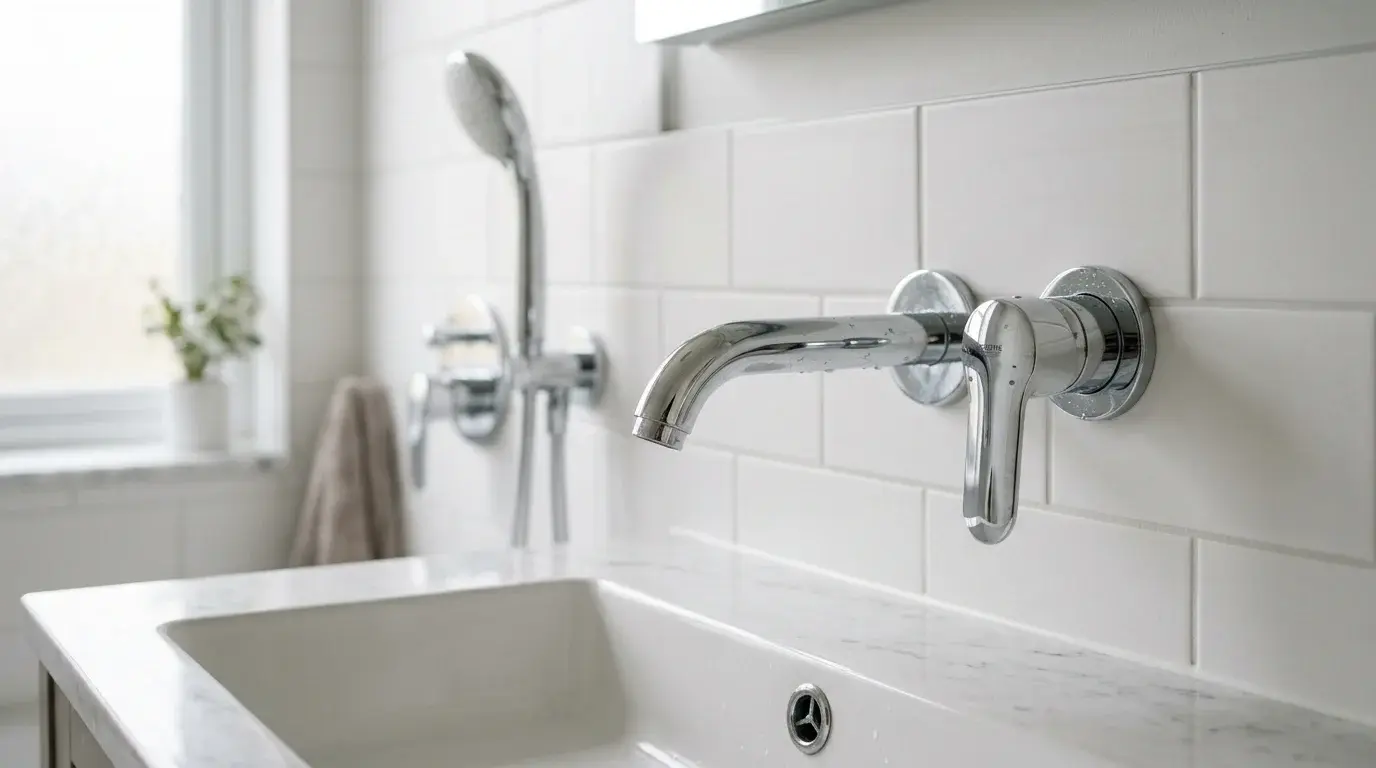
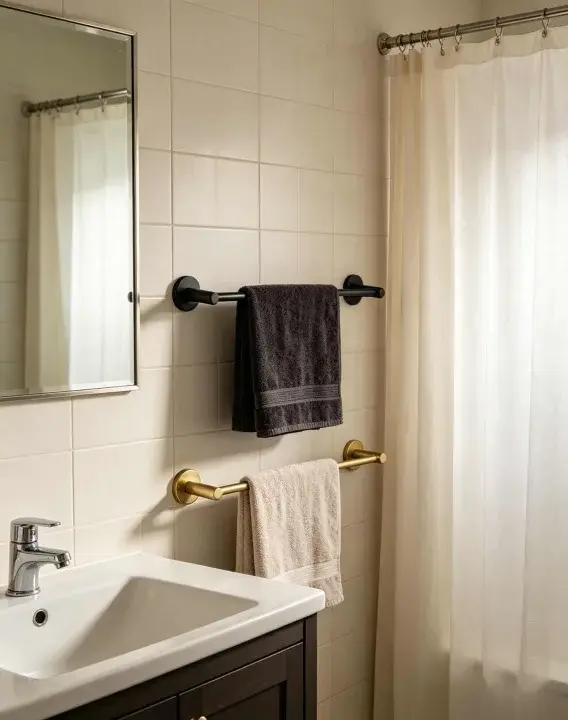
Not all components need complex 3D treatment, but certain categories absolutely demand it. In my experience, kinematic parts like multi-pivot hinges, soft-close drawer slides, and specialized Furniture Hardwarefor shower enclosures or Bathroom Fittings benefit the most. Because these parts involve motion and tight clearances, seeing them operate in a 3D space is crucial. For instance, when designing heavyglass door fittings, visualizing the exact load-bearing geometry ensures the hardware can safely support weights exceeding 45kg per hinge without sagging over time.
What to Compare When Evaluating Configurable Furniture Hardware
Finding the right components isn't just about downloading a nice-looking STEP file. I always remind my team that the digital model is only as good as the manufacturer's ability to produce it in the real world. You have to look at the supplier's entire industrial chain—from mold making and die-casting to machining, polishing, and electroplating—to ensure the final piece matches your digital configuration exactly.
Which technical and commercial criteria matter most
When I evaluate Custom Hardware Solutions, I weigh both technical specs and commercial realities. Technically, you need to verify material properties, such as salt spray test resistance (often requiring 72 to 96 hours for bathroom environments) and load capacities. Commercially, lead times and Minimum Order Quantities (MOQs) are make-or-break. A supplier might offer a fantastic configurable model, but if their tooling lead time is 45 days and their MOQ is 10,000 units, it might not fit a mid-size project. I usually look for partners who can handle MOQs around 500 to 1,000 units with tooling turnarounds closer to 20 days.
What comparison table helps assess suppliers
To keep things objective, I rely on a standardized comparison matrix. This helps me quickly assess whether a supplier of Modular Fittings can actually deliver on the promises made by their digital configurators.
| Evaluation Criteria | Traditional Supplier | Advanced Configurable Partner |
|---|---|---|
| 3D CAD Availability | 2D PDFs or static steps | Parametric, configurable 3D models |
| Prototyping Lead Time | 14 - 21 days | 3 - 5 days (via digital twin) |
| Standard MOQ | 5,000+ units | 500 - 1,000 units |
| In-House Capabilities | Assembly only | Full chain (Die-casting to packing) |
| Target Defect Rate | < 2.0% | < 0.5% (ISO9001 certified) |
Using a breakdown like this cuts through the marketing fluff and highlights who actually has the infrastructure to support modern design pipelines.
How to Apply 3D Visualization in a Hardware Selection Workflow
Integrating these digital tools into your daily routine shouldn't feel like learning a completely new profession. For me, it is all about creating a seamless bridge between the initial design concept and the final manufacturing floor. When you set up your workflow correctly, the transition from a virtual mockup to a tangible, packaged product feels incredibly smooth.
What workflow moves from visualization to specification
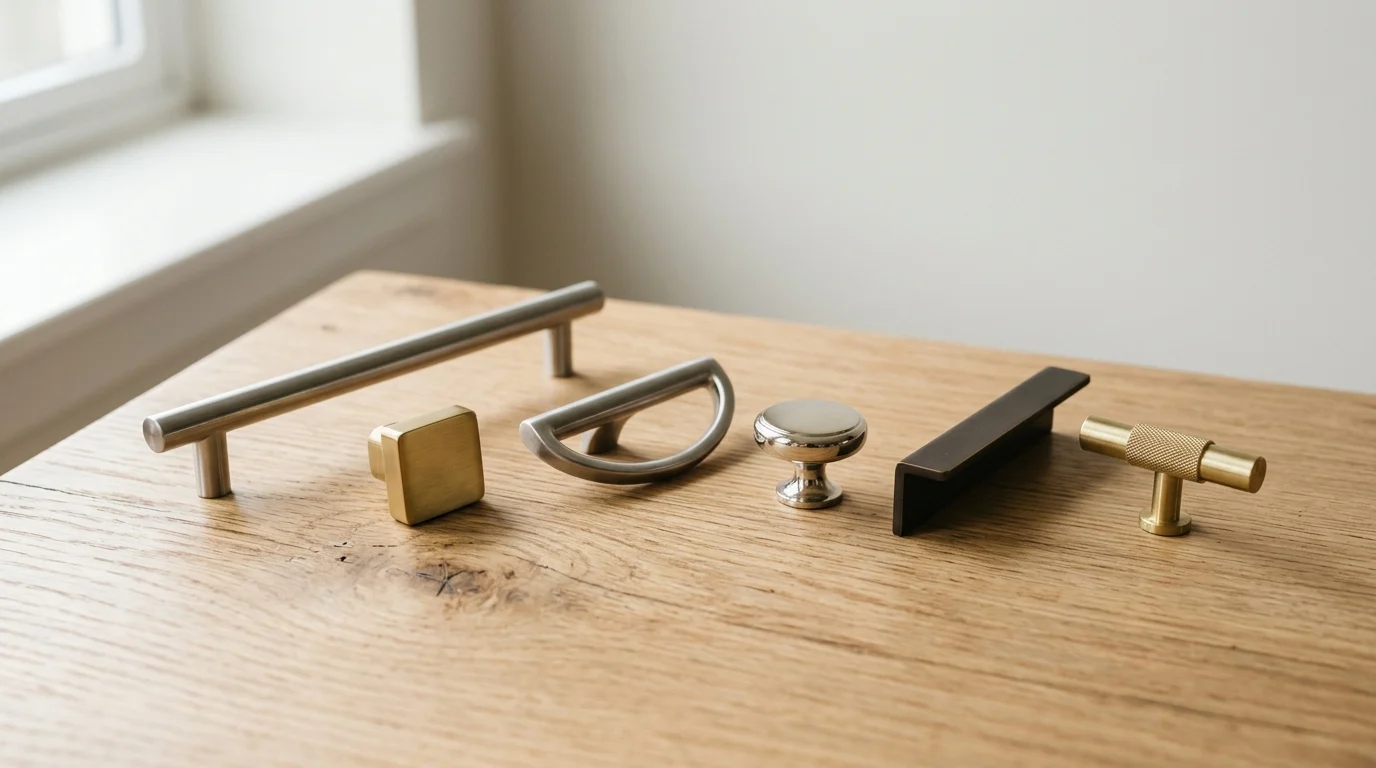
My typical workflow moves systematically from visual exploration to hard specification. First, I source the parametric models and drop them into the main furniture assembly file. Next, I manipulate the configurable variables—like adjusting a handle's length from 120mm to 160mm—to see how it impacts the overall ergonomics and aesthetics. Once the physical dimensions are locked, the software automatically updates the Bill of Materials (BOM). This automated handoff eliminates manual data entry errors and can easily cut the specification phase down from three full days to just a few hours.
How to choose the right furniture hardware partner
Even the best workflow falls apart if you choose the wrong manufacturing partner. I always look for a supplier with a proven track record; for example, a company established around 2007 with deep OEM experience for global brands is usually a safe bet. You want a partner who doesn't just outsource everything. When a supplier handles their own mold making, inspecting, and assembling under one roof, they can guarantee that the physical hardware will perfectly mirror the 3D visualization you approved. This end-to-end control is the secret to keeping defect rates low and ensuring your furniture designs hit the market exactly as you envisioned them.
Key Takeaways
- The most important conclusions and rationale for Furniture Hardware
- Specs, compliance, and risk checks worth validating before you commit
- Practical next steps and caveats readers can apply immediately
Frequently Asked Questions
How does 3D visualization reduce furniture hardware design risk?
It lets designers place accurate hardware models in CAD, run clash checks to 0.05mm, and catch clearance issues before tooling, often cutting prototype iterations by about 40%.
Which furniture hardware parts benefit most from configurable 3D models?
Motion-sensitive parts benefit most, especially multi-pivot hinges, soft-close drawer slides, shower fittings, and heavy glass door fittings where movement, load, and tight clearances matter.
What should I verify before using a supplier’s 3D hardware model?
Check that the supplier can manufacture to the same spec, including material grade, load capacity, surface finish, salt spray resistance, and in-house processes from die casting to plating.
What practical supplier benchmarks should I compare for furniture hardware projects?
Compare CAD configurability, prototype lead time, MOQ, tooling turnaround, defect targets, and full-chain production capability. For mid-size projects, MOQs of 500–1,000 and tooling around 20 days are practical.
How can HZ Die Casting support digital furniture hardware development?
HZ Die Casting offers Furniture Hardware and glass door fitting capabilities with a full production chain, helping designers align configurable 3D specifications with actual die-cast, machined, polished, and plated parts.